 Report Makeover
Turn any document into a report you can sell
Turn any document into a report you can sell
Drop a plain Word, text or Markdown file into Report Makeover and watch it become a designed, fully branded PDF the moment it lands: a real cover, a contents page, chapters, your logo and your links on every page. PLR you bought, guides you wrote, reports ChatGPT or Claude drafted for you.
One-time $27 · no subscription · 30-day money-back guarantee · runs in your browser on Windows, Mac and Linux. Nothing to install.
▶ Watch a real document go through — 3 minutes
PLR packs. Reports. Guides. Drafts an AI wrote for you. Content you paid for or made yourself, earning nothing — and the reason is almost never the content.
Default font, no cover, no structure. Nobody pays for something that looks like a school assignment — even when the information is gold.
Covers, contents pages, page numbers, chapter breaks — by hand in Word it takes hours per document. So it never gets done.
Paying someone to lay out one report can cost more than the PLR pack did. Multiply that by a folder full of documents.
Real, unretouched pages: an ordinary Word file on the left, and what it looked like the moment it landed in Report Makeover on the right. The makeover is not a process you run — it happens on the drop.
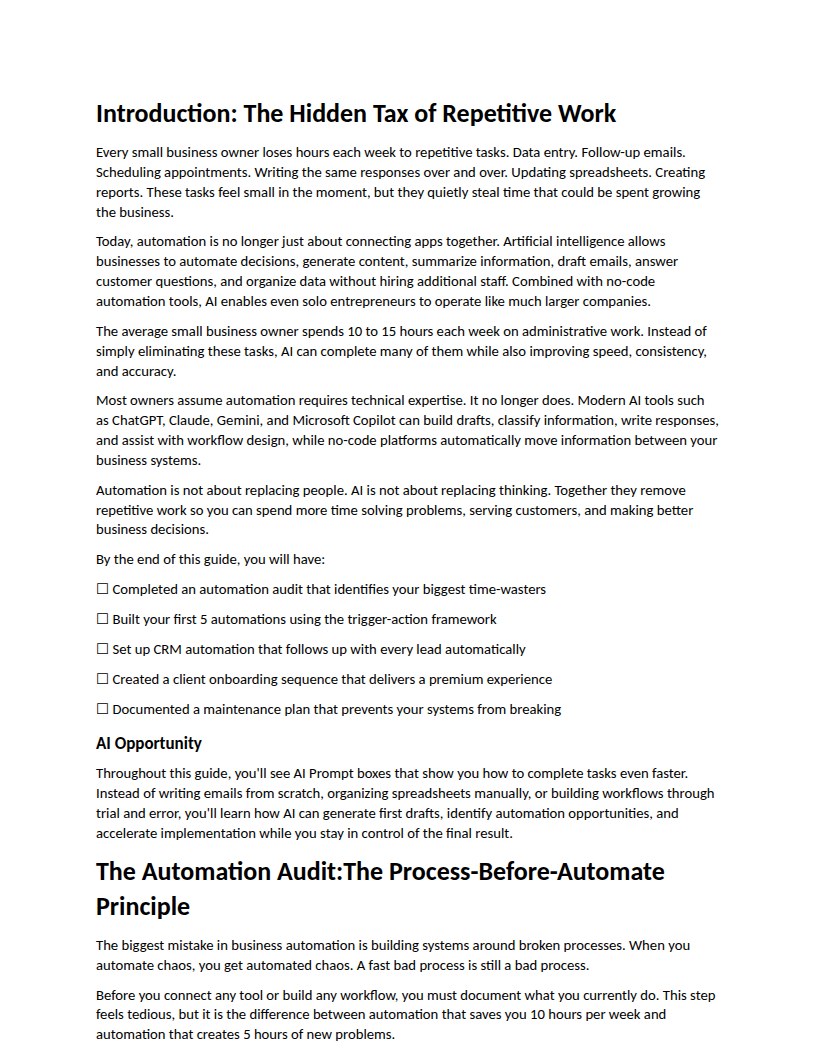
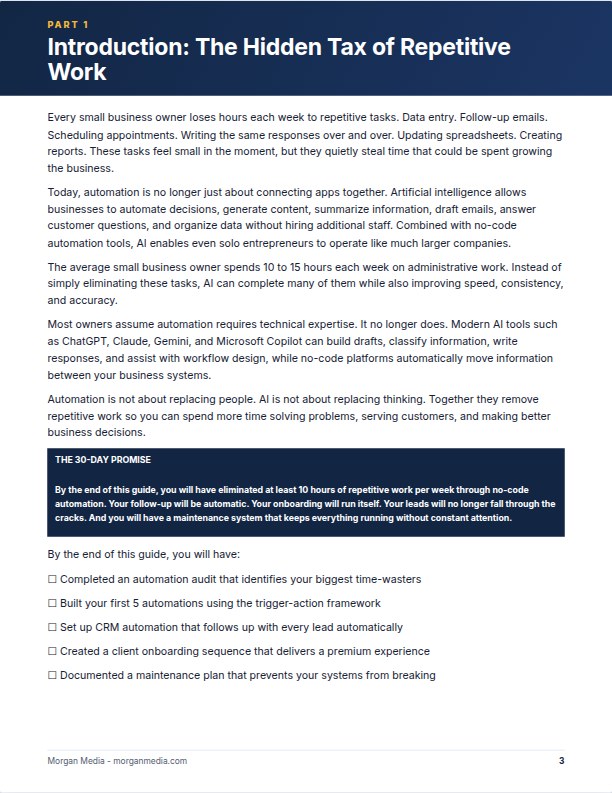
ChatGPT, Claude and Gemini will happily hand you twenty pages of solid content — as a wall of plain text. That last mile between “generated” and “product” is exactly what this app does.
The quiet superpower: AI chats already write in Markdown, one of the file types Report Makeover reads natively. Copy the report out of the chat, save it, drop it in — and the wall of text is a designed, branded document the moment it lands. AI writes it. This makes it look worth paying for.
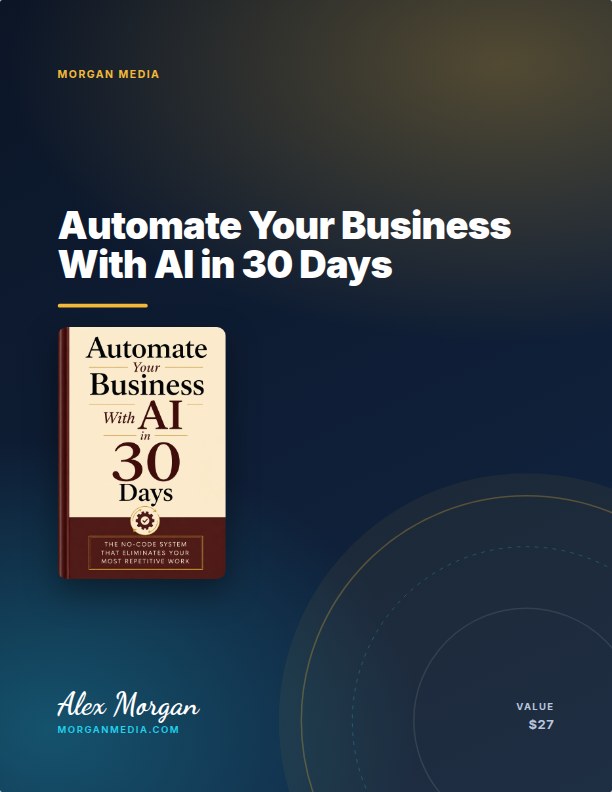
Save your brand once, and every document you ever load arrives already wearing it.
Word, plain text, Markdown or a saved web page — including anything you copy out of ChatGPT, Claude or Gemini. It lands already branded, in about a second.
Ten ready-made looks, 7 cover styles, 12 fonts, 15 backgrounds — or your own colours, saved as your house style.
A print-quality, fully branded PDF with a cover, contents and your offer on the closing page. Sell it, gift it, send it.
Real, unretouched screenshots of the app doing its job.
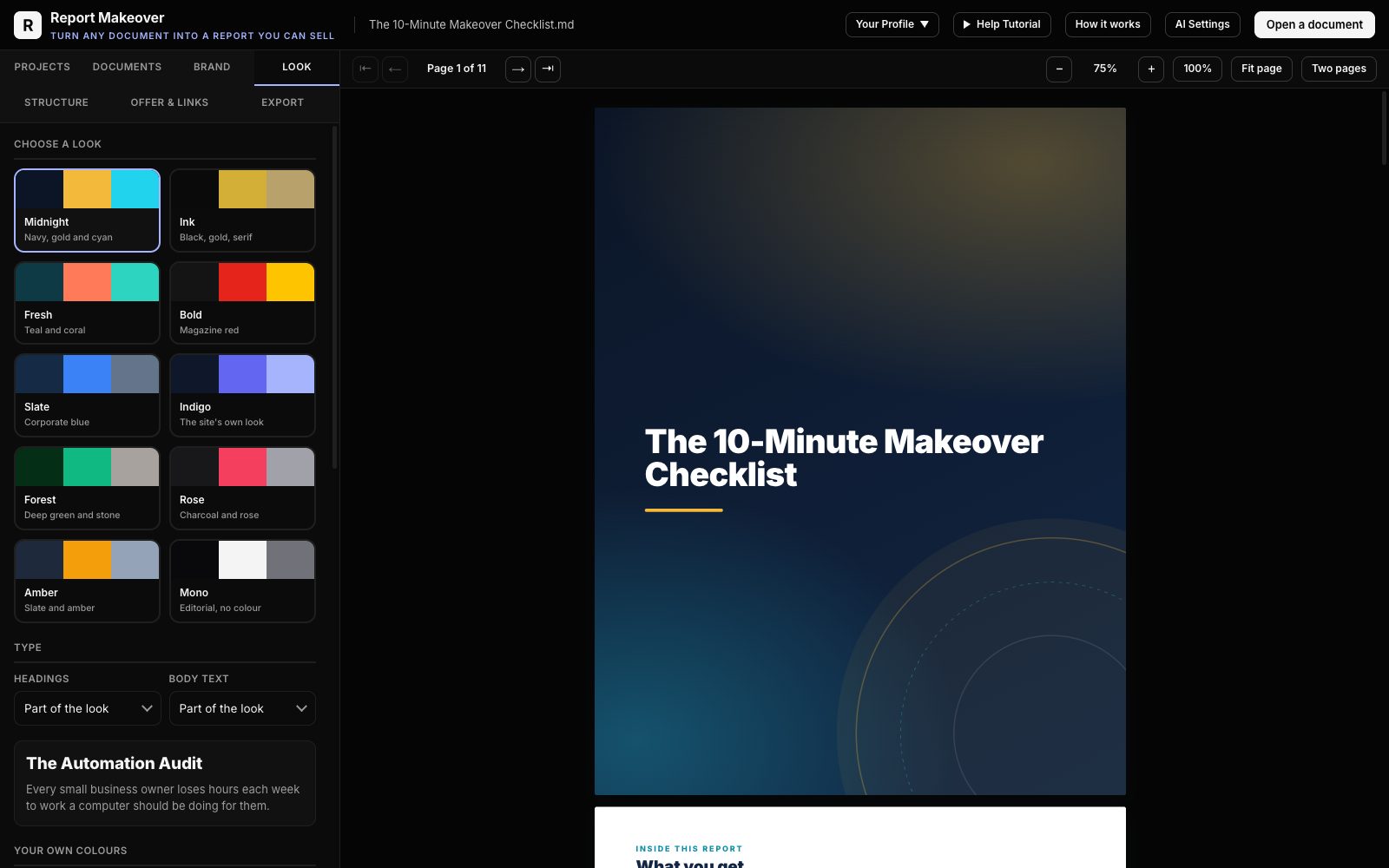
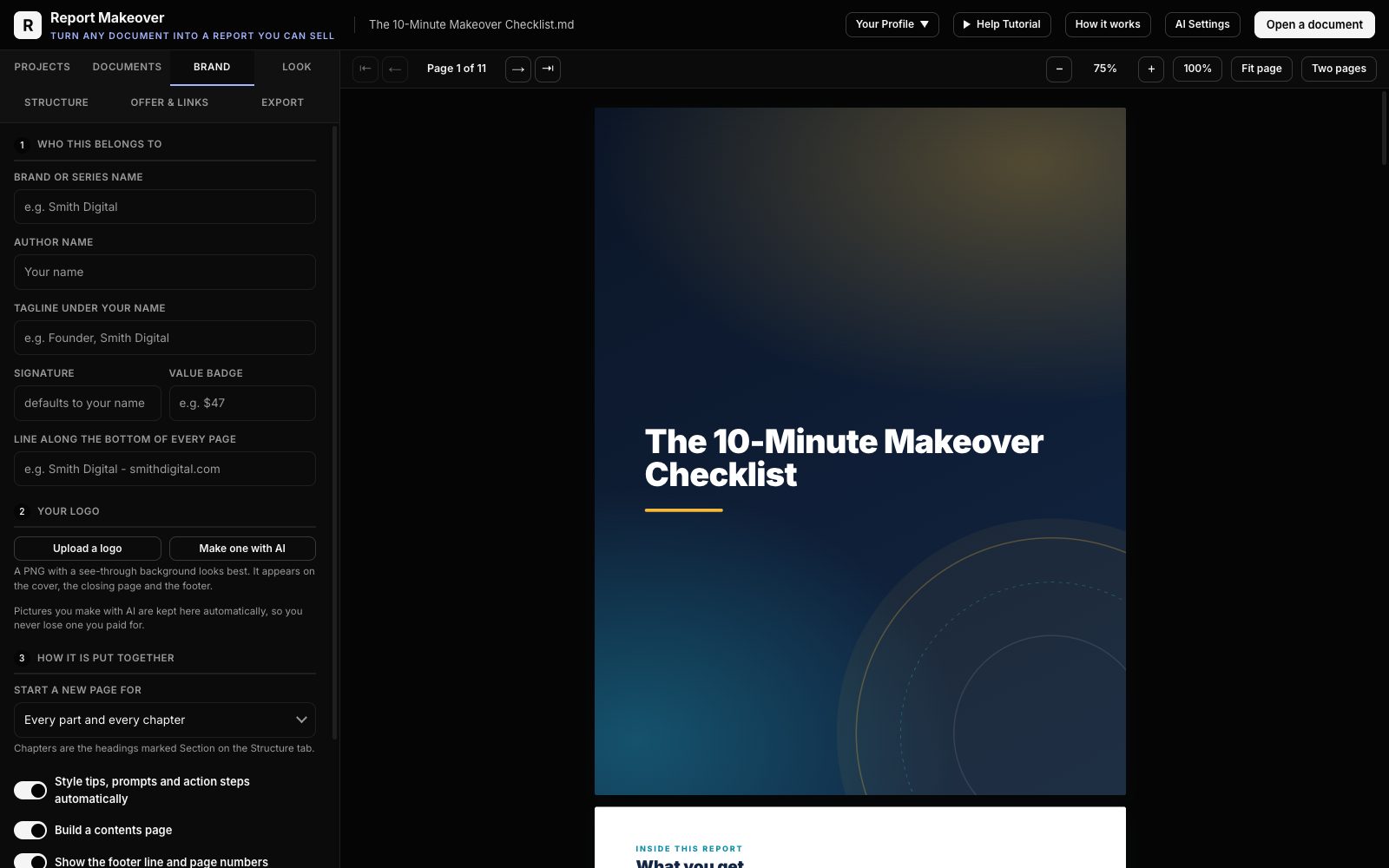
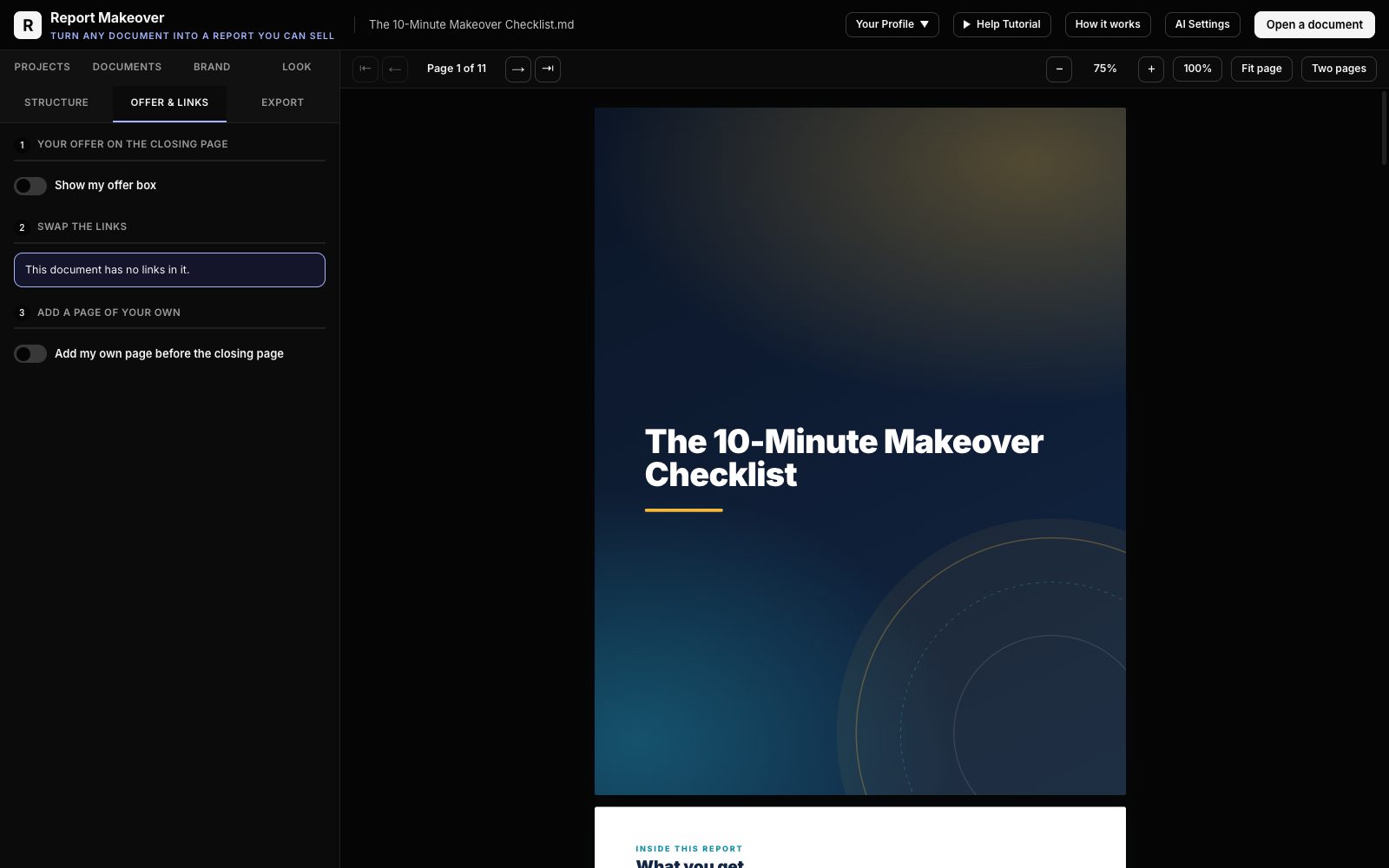
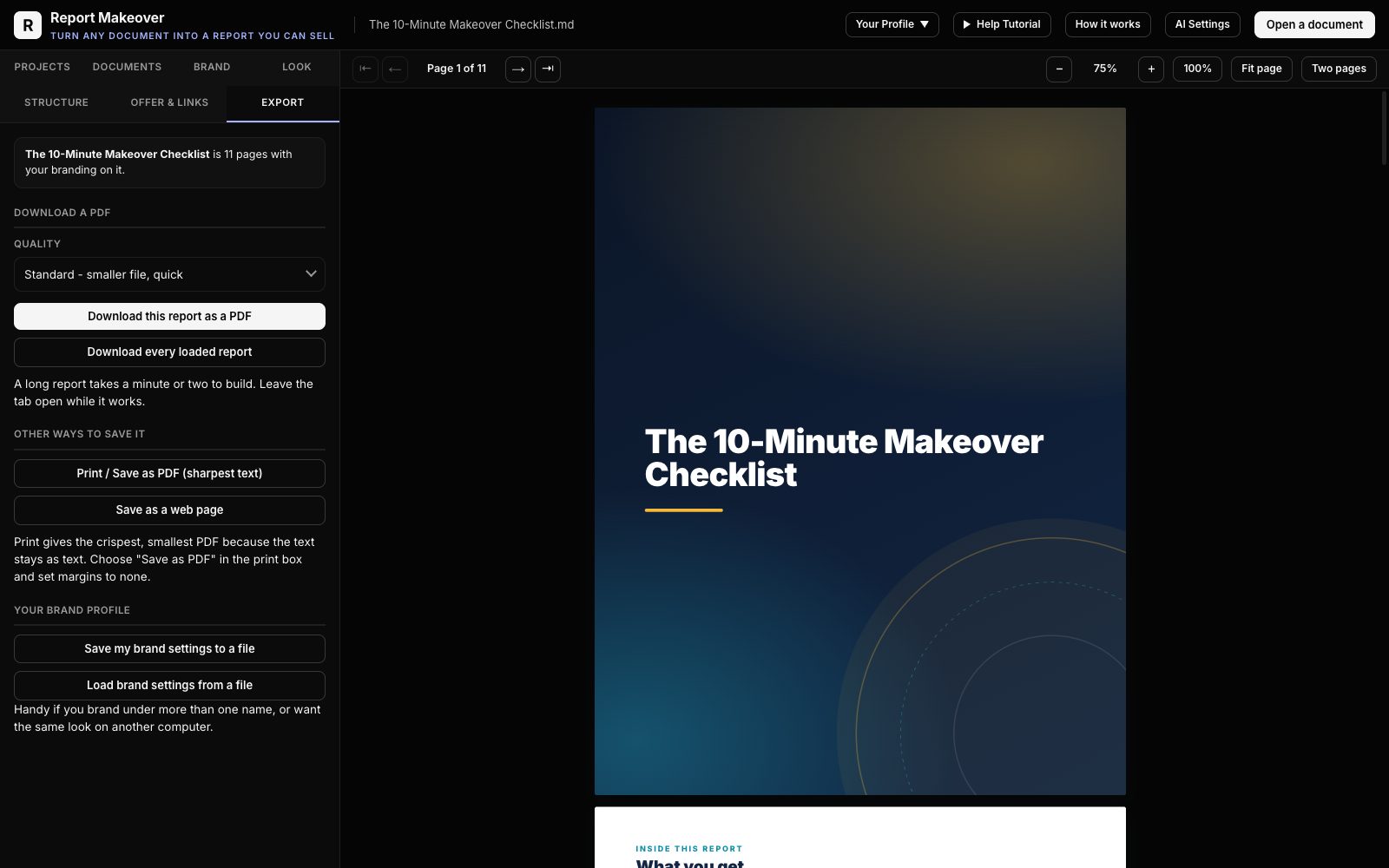
No design skill needed anywhere. If you can fill in a form, you can do all of this.
The entire app runs inside the web page. There is no upload and no file storage on our side — your documents, your logo and your client files stay on your machine. Try finding another browser tool that can honestly say that.
$0 · 1 device
For anyone who wants a document to look designed, with a starter set of looks.
Your 30-day trial runs on the full plan, then moves here. Nothing you made is lost.
$27 once · 3 devices
For anyone who sells, gives away or delivers documents and wants every one of them to look like a product.
Secure checkout by Stripe. Your login, projects and brand settings stay exactly as they are.
Free access today, and first in line when the paid plan opens.
Same app on both. The paid plan opens the full catalogue and the AI corner.
| Feature | Free$0 | Report Makeover$27 once |
|---|---|---|
| Design | ||
| LooksComplete page designs for the whole document | 2 | 10 |
| Cover styles | 3 | 7 |
| Fonts | 2 | 12 |
| Backgrounds | 2 | 15 |
| Tools | ||
| Your brand on every pageName, logo, colours, footer, your offer on the last page | ✓ | ✓ |
| Structure repair, link swapping, closing page | ✓ | ✓ |
| AI cornerLogo maker, cover art and title ideas, on your own API key | — | ✓ |
| Output | ||
| PDF and web export | ✓ | ✓ |
| No watermark | ✓ | ✓ |
| Devices | 1 | 3 |
| Price | Free | $27 once |
Ask within 30 days of buying and you get your money back. No questions.
The app runs inside the page. Nothing you load is uploaded anywhere.
Any modern browser on Windows, Mac or Linux. Your work stays in your browser.
Seven things that are true, slightly awkward, and better said now than discovered later.
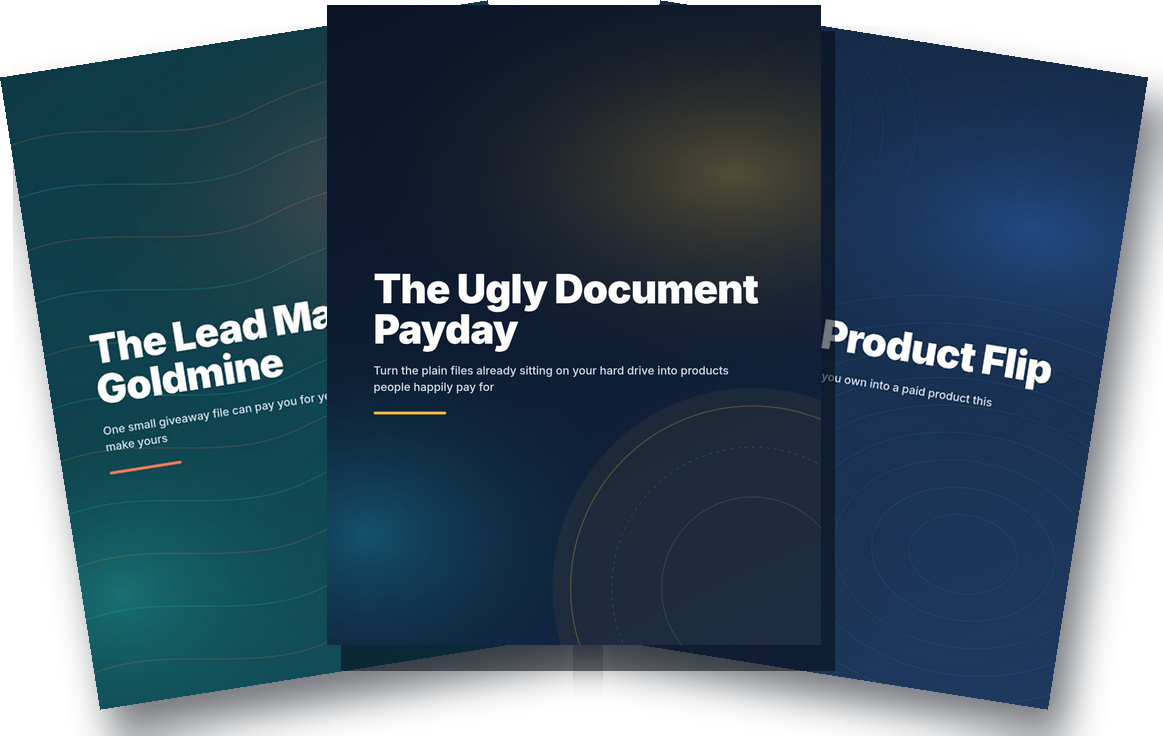
Sign up free and we send your access link straight away, plus three short, finished reports on turning documents you own into income — each one made with Report Makeover, so you can see the quality for yourself. Resale rights included.
The Ugly Document Payday · The Lead Magnet Goldmine · The $27 Product Flip
No card. We send your access link, then occasional useful emails. Unsubscribe any time.
Not ready to try the app? Get the three free reports →
Yes — the three-minute video at the top of this page shows a real document going through, start to finish. The screenshots on this page are real and unretouched too. And there is a free 30-day trial.
Word documents (.docx), plain text, Markdown, and saved web pages — and you can load several at once. It does not read PDFs; PDF is what comes out, not what goes in. Almost all PLR ships with a Word or text version, and that is the file you feed it.
Beautifully. AI chats write in Markdown, which this app reads natively — copy the report out of the chat into a text or Word file, drop it in, and it comes out a designed, branded document. That is separate from the optional AI helpers inside the app; branding AI-written content needs no API key and nothing extra.
None. You pick a look, type your name, upload a logo if you have one, and the app does the layout, the cover, the contents page and the page breaks itself.
No. One payment of $27, yours for good, unlimited use.
If your computer runs a modern browser — Chrome, Edge, Firefox, Brave, Safari — it runs this. Windows, Mac and Linux are all fine. There is nothing to install. One account works on up to three devices.
No. Everything happens inside the page, on your machine. Your account is only what lets you sign in; your documents never reach us.
The AI logo maker, cover-art maker and title suggestions are optional extras that use your own API key from OpenAI, Anthropic, Google or OpenRouter; you pay that provider pennies per image. Everything else on this page works with no key at all.
The PDFs are yours. Whether a particular document may be sold depends on the rights that came with that document — your own writing and properly licensed PLR are exactly what the tool is for. Report Makeover grants no rights to content you have not bought, and results depend entirely on what you do with yours.
Ask for a refund within 30 days from your Account page and you get your money back. No questions.
Instant access · 30-day guarantee